
AI can turn a few home details into a useful first-draft maintenance schedule. The reliable way to use it is to give it the equipment you actually have, ask it to mark unknowns, and verify every interval against the owner’s manual, official guidance, or your rental instructions. That keeps a calendar from turning a generic checklist into made-up home advice.
Start with the home, not a generic checklist
A home maintenance plan depends on the systems and appliances in the building, their age and service history, local conditions, and who is responsible for each task. Before prompting an AI tool, collect what you know:
- Home type and approximate age; use a city or broad region instead of your full address.
- Heating and cooling equipment, water heater, smoke alarms, and any other systems you want to track.
- Model numbers or photos of labels only if the service permits them and you are comfortable sharing them.
- Owner’s manuals, past service dates, warranties, and known issues.
- Whether you own or rent, the time and budget you can set aside, and who can authorize work.
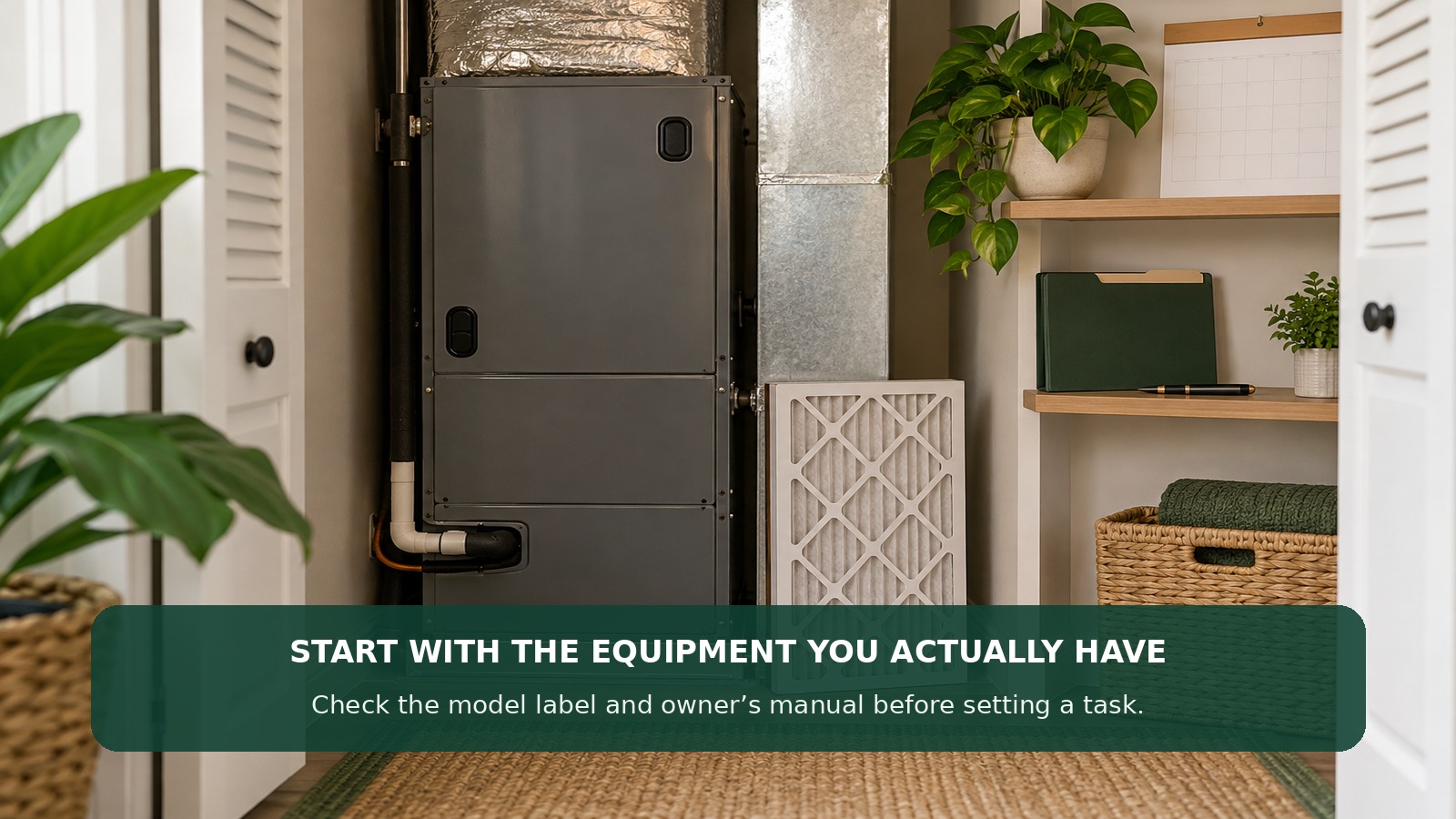
If a detail is missing, leave it blank. Don’t guess at a model, service interval, warranty requirement, or repair responsibility. Keep private documents and exact location details out of an AI chat unless you have checked the tool’s privacy terms and have a clear reason to share them.
Copy-and-paste prompt for a home maintenance schedule
Replace the brackets with information you have. Attach a manual only if you are comfortable sharing it; you can also paste just the relevant manufacturer instructions.
Help me organize a home maintenance schedule from the information below. Do not assume equipment, service history, local requirements, or task intervals that I have not provided.
Home type and broad region: [for example, townhouse in the Mid-Atlantic]
Owner or renter: [owner / renter]
Systems and appliances: [known equipment and model, if available]
Last completed work: [task and date, or unknown]
Manuals or official instructions: [paste the relevant text or list what is available]
Known issues and limits: [budget, time, access, accessibility, or none]Return a short table with: task; why it may apply; suggested due window only when supported by a source; the exact source I should check; who should handle or authorize it; and what record to save. Mark each task as confirmed, needs verification, or not applicable. If information is missing, ask me instead of inventing an answer. Separate estimates from confirmed costs. Flag anything involving electrical, gas, fire safety, structural work, hazardous materials, or an active leak for qualified help or the responsible property manager. Do not present the schedule as an inspection or safety certification.
This prompt asks the model to expose uncertainty rather than hide it in a polished calendar. If it supplies a precise date or interval without a source, treat that as a draft suggestion and verify it before scheduling.
Turn the draft into a schedule you can maintain
Review one task at a time. Match the equipment name and model to the manual; check the manufacturer’s instructions for filters and service; and use an official source for safety guidance. For example, the U.S. Fire Administration says to test smoke alarms monthly and to follow the manufacturer’s instructions for care. The Department of Energy’s home energy checklist recommends professional maintenance for a furnace or heat pump each year. Those are useful starting points, but the specific equipment instructions still matter.
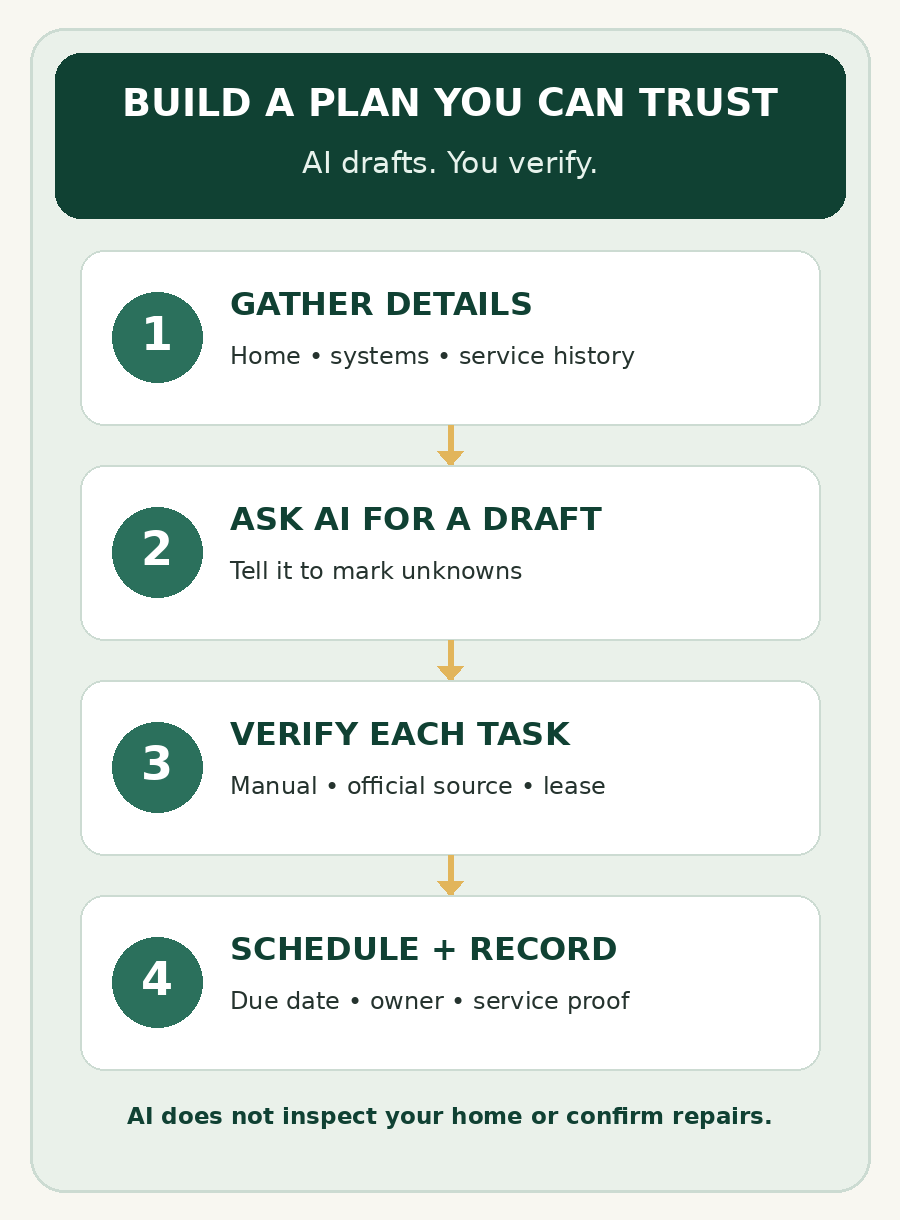
Make the finished calendar small enough to use. A simple table or reminder list can include:
- Task and system: name the item clearly, including the model when useful.
- Due date or window: add this only after checking the source.
- Source: link the manual, agency page, lease, or service report that supports the interval.
- Owner: note who will do the task or approve a contractor.
- Record: save the date completed, receipt, service note, or next recommendation.
Example: verify before adding a date
Suppose a homeowner wants reminders for smoke alarms, a heating and cooling system, and a septic system. The AI can help sort those items into a table, but the owner still checks the underlying guidance:
- Smoke alarms: the U.S. Fire Administration recommends a monthly test; the device’s instructions determine how to care for that model.
- Furnace or heat pump: the Department of Energy checklist recommends annual professional maintenance. Confirm the equipment maker’s service guidance and keep the service report.
- Septic system, if present: EPA says a typical household system should be inspected by a professional at least every three years, while pumping frequency varies with household and tank factors. Use the service provider’s findings and the system record to set the next reminder.
Those examples do not apply to every home. If you rent, check the lease and written property instructions before booking work or changing equipment. If a task concerns a possible gas leak, exposed wiring, a fire alarm problem, structural damage, or an active water leak, do not use an AI-generated checklist as the repair plan; contact the responsible professional or property manager.
A 10-minute review before you save it
- Remove tasks for systems your home does not have.
- Replace every unsupported interval with “check manual” or “ask a professional.”
- Confirm who owns each task and who may authorize paid work.
- Set reminders only for verified dates or windows.
- Save the official source, manual page, or service record beside the reminder.
AI is useful for organizing information and spotting gaps. It cannot inspect your home, confirm that work was completed, or replace manufacturer directions and qualified service. Treat the calendar as a living record: update it when a technician changes a recommendation, you replace equipment, or your responsibility changes.
Official sources
- U.S. Department of Energy: Home Energy Checklist — includes a recommendation for annual professional furnace or heat pump maintenance.
- U.S. Fire Administration: Smoke Alarms — monthly testing and manufacturer-specific care instructions.
- U.S. Environmental Protection Agency: How to Care for Your Septic System — inspection, pumping, and recordkeeping depend on the system and household.
Sources checked October 8, 2026. Equipment instructions, local conditions, and responsibility for maintenance vary. Verify the source that applies to your home before acting.
Leave a comment