Yes. An AI assistant can turn a short list of ingredients you already have into a flexible meal plan and a grocery list for what is missing. The reliable method is to provide your servings, time, budget, and food preferences, ask the tool to show its assumptions, and check every suggestion before you shop or cook. AI can organize choices; it cannot tell you whether food is still safe to eat.
Start with an inventory, not a recipe search
Open your fridge, freezer, and pantry and write down a few usable ingredients. Include rough amounts when you know them, plus anything you want to use soon. You do not need a perfect inventory. A short list such as “black beans, tortillas, eggs, frozen vegetables, rice, salsa, spinach” gives the assistant a starting point.
Then add the limits that make a plan practical: how many people you are feeding, how many meals you need, how much time you have, your grocery budget, foods you avoid, and equipment you can use. Mention allergies explicitly, but verify ingredients and package labels yourself. Do not rely on an AI answer for allergy or medical-diet safety.
Copy-and-paste prompt for a pantry-based meal plan
Replace the brackets with your own details. If you do not know an amount, say so instead of letting the AI guess.
Help me plan [number] dinners for [number] people using ingredients I already have.
On hand: [ingredients and approximate amounts].
Use soon, if still in good condition: [items].
Time limit: [minutes per meal]. Budget for additional groceries: [$ amount, if applicable].
Preferences and restrictions: [foods we like or avoid; allergies to check].
Please suggest simple meals that use overlapping ingredients. Separate ingredients I already have from items I may need to buy. Group the grocery list by store section and give quantities only when you can explain the serving assumption. Do not invent ingredients, prices, expiration dates, or nutrition facts. If an important detail is missing, ask me before making the plan. Give me two alternatives when a meal depends on an ingredient I may not have.
This prompt is useful because it draws a line between known facts and suggestions. It also asks for a list you can check at the store, rather than a polished menu that quietly assumes you have extra ingredients.
Example: turn a pantry list into three dinner ideas
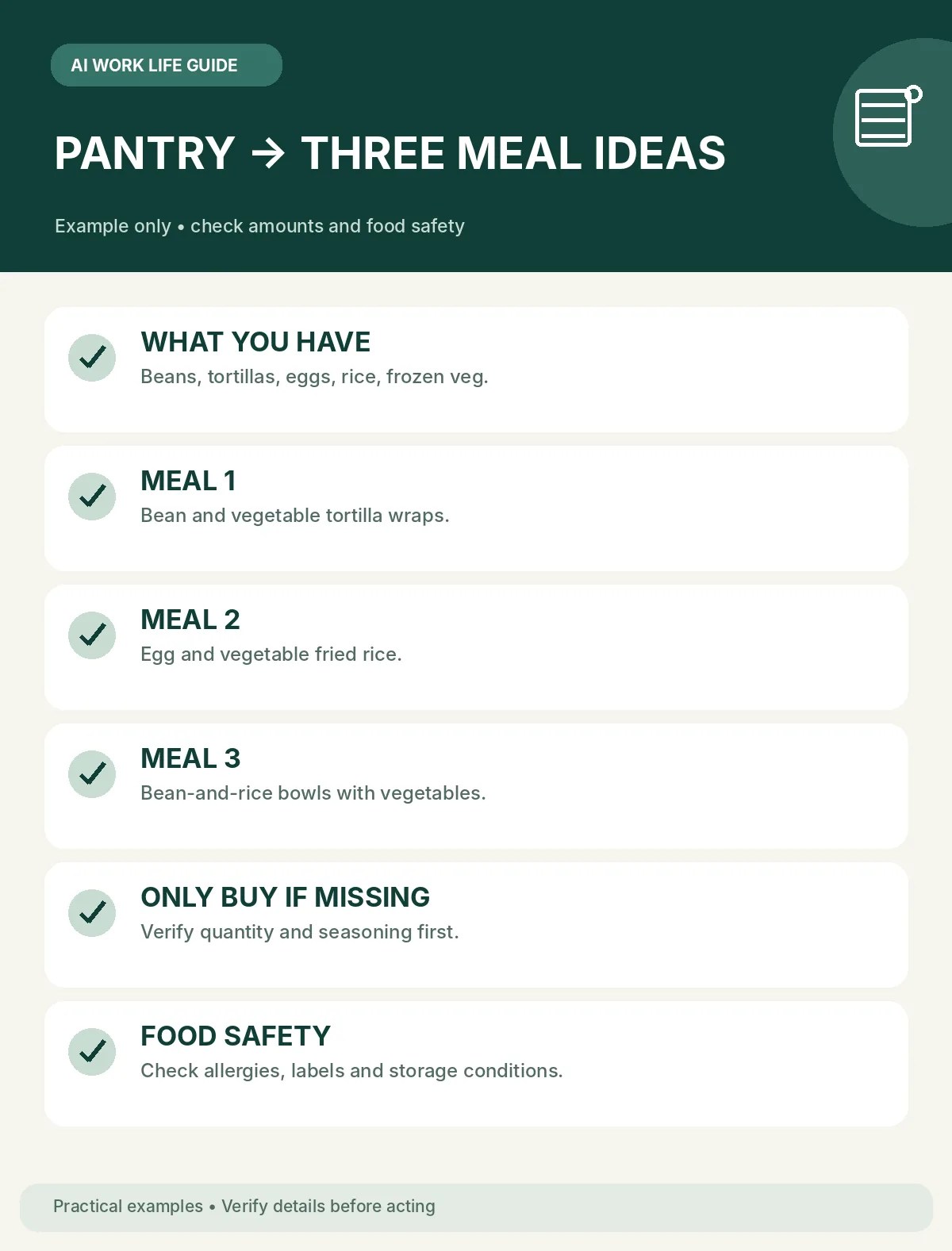
Imagine you are planning three dinners for two adults and have black beans, tortillas, salsa, eggs, frozen vegetables, rice, and spinach. You have about 30 minutes on weeknights and want to avoid buying duplicates.
An AI might suggest black bean and spinach tacos, egg-and-vegetable rice, and a rice bowl using any remaining beans and salsa. Treat those as ideas to review, not tested recipes. Check whether you have enough of each ingredient for two servings, whether the spinach is still in good condition, and whether you need basics such as cooking oil. If the plan assumes an ingredient you did not list, ask the tool to replace it with something you confirmed is available.
Before you shop, compare the suggested list with your cupboards and fridge. Cross off anything you already have, check package sizes, and choose quantities that match the number of servings. Prices and availability change by store, so use the list as a reminder rather than a price estimate.
Review the plan before you buy or cook
- Ingredients: Does each meal use only items you listed or explicitly approved?
- Servings: Are quantities realistic for the number of people and meals?
- Restrictions: Did you check allergies, dietary needs, and labels yourself?
- Shopping: Have you removed pantry items and checked what your store actually carries?
- Food condition: Are you using product labels and official storage guidance instead of asking AI to judge freshness?
USDA MyPlate offers a weekly meal-planning calendar and a grocery-list tool that can help you organize your own plan. You can use those printable tools alongside an AI draft, or skip AI and fill them in yourself. A plan may help you notice duplicate purchases, but it does not guarantee lower grocery costs or less food waste.
Keep food-safety decisions separate from AI suggestions
Never ask an AI tool whether a specific leftover is safe based only on a description or photo. The USDA Food Safety and Inspection Service advises refrigerating perishable foods within two hours (one hour when the temperature is above 90°F) and using refrigerated leftovers within three to four days. FoodSafety.gov’s cold-storage chart gives separate time limits for different foods and assumes a refrigerator at 40°F (4°C) or below. Follow the relevant official guidance and package instructions; when you are unsure about a food’s handling or storage history, do not use an AI guess as a safety check.
A quick routine you can repeat each week
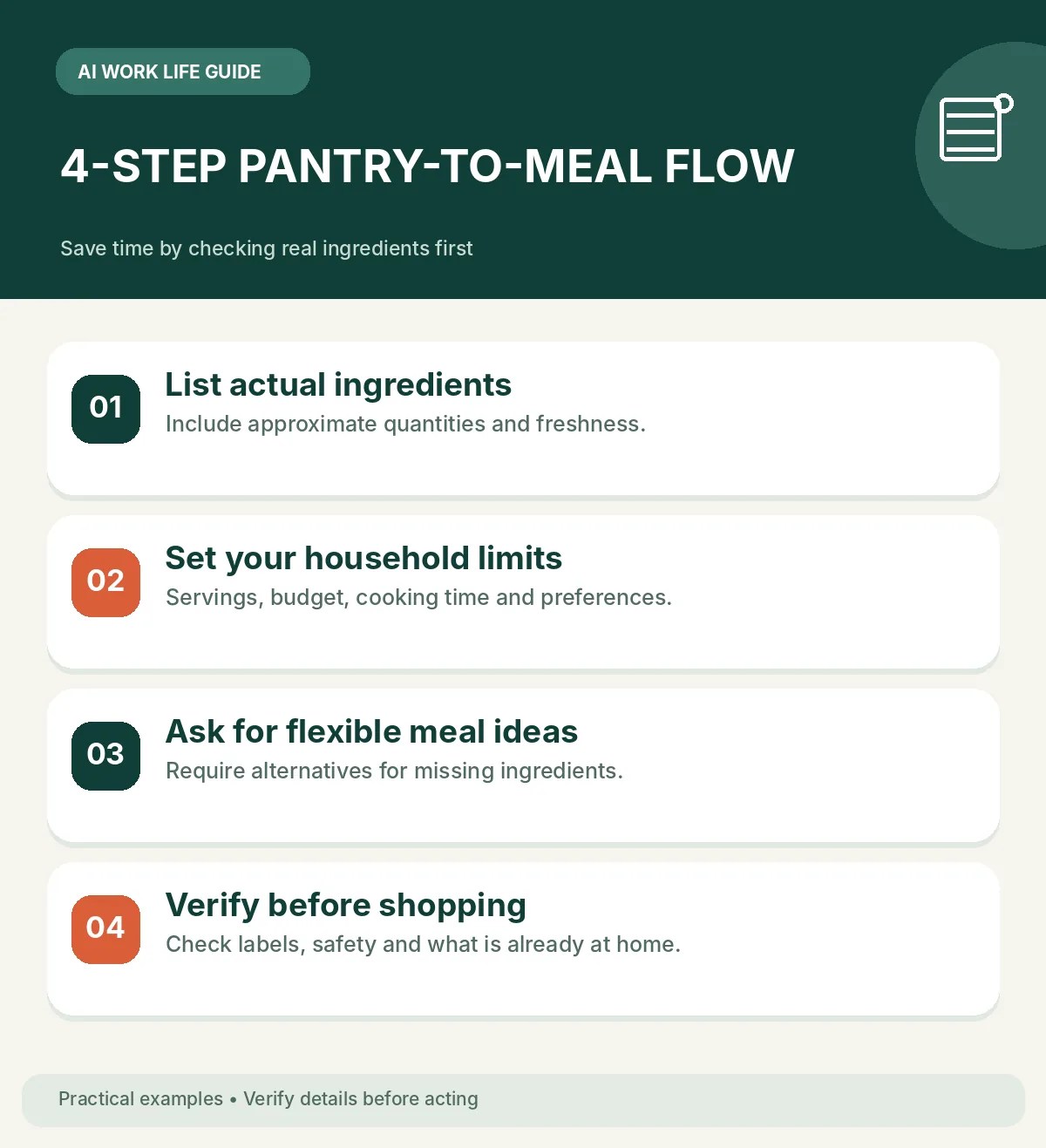
- Write down ingredients and approximate amounts.
- Choose the meals, servings, time limit, and budget you actually need.
- Ask AI for a flexible plan and a separate grocery list.
- Check assumptions, prices, labels, and official food-safety guidance yourself.
- Save the final list in the format you use at the store.
The goal is not to let AI decide what your household should eat. Use it to sort the options, spot missing ingredients, and make a first draft you can quickly correct. Your own preferences, budget, and safety checks stay in charge.
Sources and further reading
- USDA MyPlate: Make a Plan — weekly meal planning and a grocery-list tool.
- USDA Food Safety and Inspection Service: Leftovers and Food Safety — refrigeration timing and leftover storage guidance.
- FoodSafety.gov: Cold Food Storage Chart — storage times by food type and refrigerator temperature.
Sources checked: October 8, 2026. Storage recommendations may differ by food type; consult the current official chart and package directions.
Leave a comment